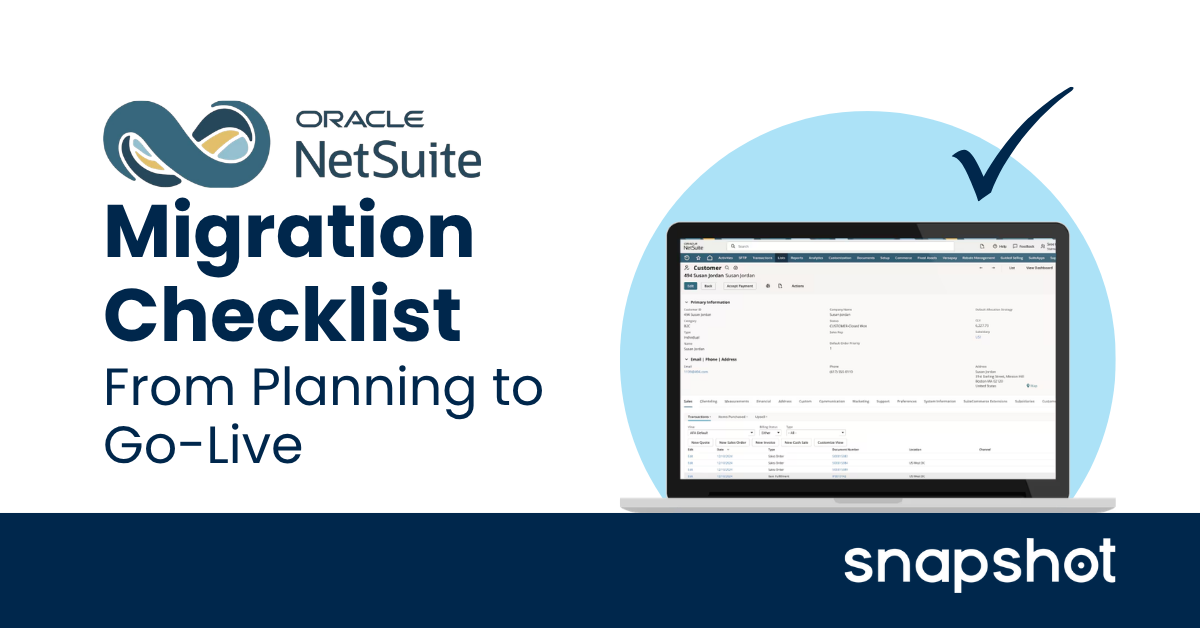
A NetSuite migration checklist is a phase-by-phase framework for tracking progress across an implementation from project kickoff through post-go-live stabilization. Implementations often run into trouble in the same places: weak discovery, late data cleanup, inadequate testing, or poor cutover planning.
Snapshot, a NetSuite Alliance Partner for over 12 years, works with manufacturers and distributors to migrate and optimize NetSuite, and the checklist below reflects what a well-run implementation covers at each phase.
Phase 1: Discovery and Project Scoping
The decisions made in discovery set the scope, timeline, and risk profile for everything that follows. Underinvesting in this phase is the most reliable way to encounter expensive surprises later.
- Define business objectives and expected outcomes before any configuration begins.
- Identify project stakeholders and assign a single accountable project owner.
- Select and contract a NetSuite implementation partner with relevant vertical experience.
- Define project scope including the business units, locations, and processes in scope.
- Establish a governance model with a clear escalation path for scope and timeline decisions.
- Set a realistic timeline and budget with contingency built in for discovery gaps.
- Document current-state processes and identify the gaps NetSuite needs to close.
Phase 2: System Design and Configuration
System design translates business requirements into a working NetSuite environment. Decisions made here are expensive to revisit, so each one should be confirmed with the right stakeholders before configuration begins.
- Design the chart of accounts with Finance leadership before any other configuration.
- Configure subsidiaries, entity structure, and intercompany relationships if applicable.
- Set fiscal year, accounting periods, and close calendar.
- Configure roles and permissions aligned to actual job functions, not legacy titles.
- Build approval workflows and process automation using SuiteFlow.
- Configure item types, pricing structures, and tax settings.
- Set up locations, departments, and classes to match operational structure.
Phase 3: Data Migration
Data migration is the most underestimated phase in most NetSuite implementations. Starting it early and treating it as a parallel workstream rather than a final step before go-live separates clean go-lives from delayed ones. For the full data preparation guide, see our post on NetSuite data migration preparation and best practices.
- Determine what data migrates into NetSuite and what stays in the legacy system or a data warehouse.
- Audit and cleanse master data across customers, vendors, items, and chart of accounts before extraction.
- Build a field mapping document with an External ID assigned to every record type.
- Complete a trial migration into your sandbox and reconcile results against the legacy system.
- Validate open transaction balances including AR, AP, and inventory on hand.
- Confirm the cutover data migration plan, timing, and ownership before UAT begins.
Phase 4: Integrations
Every system NetSuite needs to connect to should be identified and scoped before configuration begins. Discovering integration gaps late in the project is one of the most common and most avoidable causes of go-live delays.
- List all systems requiring integration: ecommerce platforms (including BigCommerce, Shopify, and Shopware), CRM (including Salesforce and HubSpot), payroll, shipping, EDI, and BI tools.
- Confirm the integration method for each connection; common options include native connectors, Celigo, Patchworks, direct API, and custom development.
- Build and test all integrations in the sandbox environment before UAT begins.
- Validate end-to-end data flow for each integration including error handling and retry logic.
- Confirm integration monitoring and alerting is in place before the production cutover.
Phase 5: Testing and UAT
Testing confirms whether NetSuite works for the business as configured, while UAT with real users against real data catches the issues that system testing misses.
- Complete system testing of all configured workflows in the sandbox environment.
- Conduct regression testing after any configuration changes made during the testing phase.
- Run UAT with key operational staff across order-to-cash, procure-to-pay, and month-end close workflows.
- Document all UAT issues and track them to resolution before go-live sign-off.
- Obtain formal go-live sign-off from the project owner and key stakeholders before cutover planning begins.
Phase 6: Cutover and Go-Live
The cutover window is the highest-risk period of any NetSuite implementation. Running it from a detailed runbook with defined owners, times, and dependencies keeps it controlled.
- Publish the cutover runbook with the full task sequence, assigned owners, and timing before the cutover window opens.
- Set the legacy system freeze date and communicate the date to all users in advance.
- Complete the final data migration of open transactions at the start of the cutover window.
- Verify all data loads and reconcile final balances against the legacy system before switching users.
- Confirm all integrations are live and validated in production.
- Conduct a formal go/no-go review against predefined criteria before enabling user access to NetSuite.
- Communicate go-live to all users with first-day instructions and a clear support contact.
Phase 7: Post-Go-Live Hypercare
Hypercare is the structured support period immediately following go-live. Most implementations underinvest here, and the first financial close on a new system often reveals gaps in configuration and training.
- Stand up a dedicated support channel for go-live issues and staff with project team members for the first 30 days.
- Monitor integrations and automated workflows daily during the hypercare period.
- Complete the first financial close on NetSuite with active support from the implementation team.
- Conduct a 30-day post-go-live review against original project objectives.
- Address open configuration items and user feedback before transitioning to steady-state support.
- Document lessons learned and update the configuration to reflect any process changes identified post-launch.
Getting Your NetSuite Migration Right
Going live on NetSuite is a milestone, not the finish line. The businesses that transition most smoothly treat each phase as a prerequisite for the next and do not compress preparation to hit an arbitrary date.
For more on the root causes of implementation failure, see our post on why NetSuite implementations fail. If you are planning a migration and want to make sure your project is set up correctly from the start, we can help you build an effective project plan.

 Steve Springer
 Michael Rueda : Jun 29, 2026, 1:59:53 PM
 Steve Springer : Aug 3, 2026, 12:45:00 PM