Your team already knows where your business is losing time: the manual pricing overrides, the month-end scramble, or the inventory orders that come a week too late. Some of the most useful AI opportunities for NetSuite users focus on reducing repetitive work and helping teams identify exceptions sooner.
The following six use cases show where AI and automation may expand what your team can do with NetSuite. The required solution may involve a standard NetSuite feature, an enabled feature or SuiteApp, NetSuite Next, the NetSuite AI Connector Service, a third-party application, or custom development. Some of what follows runs on real AI, and some is rules-based automation that has been in NetSuite for years, so we've been clear about which is which.
1. Demand Forecasting and Inventory Optimization
For seasonal businesses, forecasting and inventory planning can be high-value starting points when historical data and item setup are reliable.
NetSuite Demand Planning analyzes historical or projected demand and generates demand and supply plans. This is statistical forecasting, linear regression and moving averages, not AI. It works well, it just isn't a model learning from your data. It requires Advanced Inventory Management and is not documented as a generative AI feature. Depending on the business requirements, the solution may also include a third-party or custom forecasting model.
NetSuite Next adds AI built for this work. The SuiteAgent for product companies, announced at SuiteWorld 2026, evaluates inventory exposure and supply changes and their effect on inventory efficiency and margin. SuiteSkills such as Inventory Movement Insights help teams investigate inventory imbalances.
These capabilities can support a shift from reactive replenishment to more proactive planning, but teams should review forecasts and recommendations before acting on them.
2. Customer-Specific Pricing and Quote Automation
Managing negotiated contractor pricing across hundreds of accounts is one of the most error-prone workflows in distribution. One wrong price on a high-volume account erodes margin fast.
NetSuite's Advanced Pricing feature applies price rules and price levels based on criteria such as customer, item, date, and currency. These are rules you configure rather than AI, and that is exactly why they are predictable. That pricing process is rules-based. The separate NetSuite CPQ AI Assistant requires the NetSuite CPQ Configurator SuiteApp and uses natural-language interaction to help users configure eligible products. Its recommendations must be reviewed and approved. Automating negotiated contract terms, margin thresholds, and complete quote workflows may require additional configuration or custom logic.
3. Accounts Payable and Receivable Automation
AP and AR are among the highest-volume, most manual workflows in any mid-market operation. AI changes that equation significantly.
On the payables side, NetSuite Bill Capture uses AI-assisted document extraction to read vendor bills and suggest matches with NetSuite records, including vendors, items, and purchase orders. A user reviews the extracted information before creating the bill. Three-Way Match, approval workflows, and SuiteApprovals are separate capabilities that continue after bill creation when configured. On the receivables side, Payment Date Prediction can estimate payment dates and overdue days for qualifying invoices. It is disabled by default, requires sufficient payment history, runs weekly, and produces estimates rather than guarantees. Automated customer follow-up requires the separately configured Dunning Letters SuiteApp or another workflow. These capabilities can reduce manual effort, but results depend on setup, data quality, and adoption.
4. Supply Chain and Procurement Intelligence
For an HVAC distributor managing 40 active vendors, or a food and beverage operation dependent on perishable ingredient timelines, supplier reliability is not a background concern. It is the difference between a profitable quarter and an expensive one.
NetSuite Supply Chain Control Tower can simulate inventory supply and demand, which is scenario modeling rather than AI. Its predicted-risk functionality is the AI piece, using machine learning to forecast whether certain purchase, transfer, or sales orders may be late. Predictions become available after processing rather than continuously in real time, and vendor performance analysis runs on a configured schedule. In NetSuite Next, the Fulfillment Performance Insights SuiteSkill helps teams investigate fulfillment delays. Broader functionality, such as evaluating supplier quality and automatically recommending alternative vendors, would require additional configuration, a third-party solution, or custom development.
5. Financial Close Automation
Month-end close is a common pain point. For most mid-market operations, it takes longer than it should and relies on institutional knowledge that lives in people, not systems.
NetSuite's Intelligent Close Manager brings close tasks, transaction amounts, exceptions, AI-prioritized work, and AI-generated summaries into one view. It supports close monitoring and prioritization rather than performing every reconciliation itself. Bank transaction matching, account reconciliation, and Exception Management are distinct capabilities with their own setup requirements. System-generated tasks and KPI data in the Intelligent Close Manager refresh hourly. In NetSuite Next, AI Workspaces coordinate people, AI agents, and approvals for complex processes, and NetSuite describes an Autonomous Close workspace designed to help businesses move toward a zero-day close by finding and resolving accounting issues during the period. SuiteSkills such as Variance and Flux Analysis bring AI reasoning to close analysis. The degree of improvement depends on configuration, adoption, and the quality of the underlying data.
6. AI-Powered Reporting and Business Intelligence
NetSuite holds an enormous amount of operational data. The problem for most businesses is that accessing it requires either a developer or a working knowledge of saved searches.
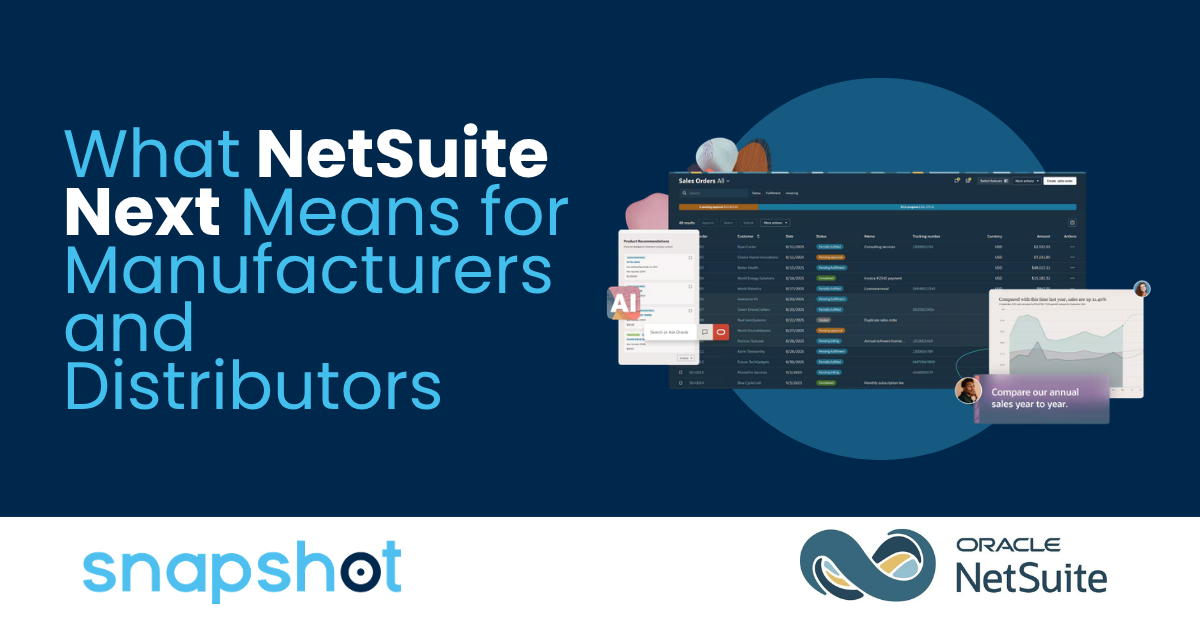
Ask Oracle is a natural-language assistant in NetSuite Next, which is being made available to eligible accounts in phases. Access is controlled by administrators and user roles. Eligible users can request lists, summaries, tables, charts, and other insights from the NetSuite data they are authorized to access. Because business data changes, Oracle advises users to request the latest data or start a new chat when current information is required. Canvas lets users build ad hoc dashboards and analyses from an Ask Oracle conversation, and AI Portlets, added at SuiteWorld 2026, generate dashboard analysis and charts from a natural-language request. NetSuite has also announced NetSuite Data Intelligence agents in Ask Oracle, planned for a future release. Ask Oracle can reduce manual navigation and reporting work for some questions, but it does not eliminate saved searches, established reports, or developer support in every situation.
Practical AI That Works the Way Your Business Does
The best AI use cases for NetSuite are not theoretical. Understanding how to use AI with NetSuite starts in the workflows that already drive your business, and the operational problems you are already solving manually. AI does not replace the expertise your team has built. It removes the friction that keeps that expertise from scaling.
At Snapshot, we help distribution, supply, and field services businesses evaluate and implement AI for NetSuite in a way that is practical, secure, and aligned with how their operations work. If you are ready to move beyond manual workarounds and build something that scales, we are glad to help.

 Michael Rueda
 Michael Rueda : Jun 24, 2026, 1:17:22 PM
%20-%20USE-Sep-15-2026-01-59-57-2372-AM.png)
%20-%20USE-1.png)
-1.png?width=30&name=Untitled%20design%20(6)-1.png) Sam Hettinger : Jul 31, 2026, 2:13:46 PM
Sam Hettinger : Jul 31, 2026, 2:13:46 PM