The NetSuite AI Connector Service is NetSuite's official way to connect AI assistants such as Claude and ChatGPT to your NetSuite data. It uses the Model Context Protocol (MCP), an open standard that lets an AI assistant use tools in other systems, so your team can ask questions in plain language and get answers from live NetSuite data. More than 13,000 NetSuite customers have already adopted it.
Snapshot has been a NetSuite Alliance Partner for more than 12 years, and we help businesses set up the AI Connector Service with the right roles, permissions, and tools. Below, we explain what it does, how it keeps access under control, what NetSuite added at SuiteWorld 2026, and how to get started.
What Is the NetSuite AI Connector Service?
Many organizations want to use AI with their business data but struggle to connect it to NetSuite. Traditional integrations move data on a set schedule or trigger, and each new question can mean more development work. The AI Connector Service works differently: a person asks the AI assistant they already use, and the assistant calls NetSuite tools to find the answer, within that person's NetSuite role.
You may also see it called the NetSuite MCP connector or the NetSuite MCP server. NetSuite AI Connector Service is NetSuite's name for the same capability.
With NetSuite's free MCP Standard Tools SuiteApp, a connected assistant can:
- Answer questions with read-only SuiteQL queries
- Run reports and saved searches
- Create and update records, if the user's role allows it
- Work with record actions and File Cabinet files
For processes and records unique to your business, Snapshot can also build custom MCP tools in SuiteScript.
How Does It Keep Your NetSuite Data Under Control?
The assistant works only within the permissions of the NetSuite role the person signs in with, so it never gets more access than that person has. NetSuite enforces several guardrails:
- OAuth 2.0 sign-in: Each person signs in to NetSuite, approves access, and picks the role to use before their assistant can connect.
- Off until granted: Nobody can connect until an administrator gives their role the MCP Server Connection permission, and removing it turns access off. Administrator roles can't connect at all.
- An activity record: NetSuite's Execution Log shows each request, who made it, and the result. Entries are kept for 21 days in production accounts and 7 days in sandbox accounts.
Some decisions stay with your team. Data the assistant retrieves goes to your AI provider and is handled under that provider's terms, so choose an approved AI assistant and decide which roles and data are in scope. NetSuite advises against using the service for health data (ePHI). AI assistants can make mistakes, so check important numbers in NetSuite and review any change before the assistant makes it.
What Can Your Team Do With It?
Instead of building a new search or waiting for a report, your team asks in plain language and gets an answer from live NetSuite data. A few examples by role:
- Finance and accounting: Which customer invoices are more than 60 days overdue? Draft a friendly reminder for the five largest.
- Operations and purchasing: Which purchase orders are past their expected receipt date? Which items are below their reorder point?
- Leadership: How did revenue compare by subsidiary last quarter? Who were our most profitable customers this year?
What Did NetSuite Add at SuiteWorld 2026?
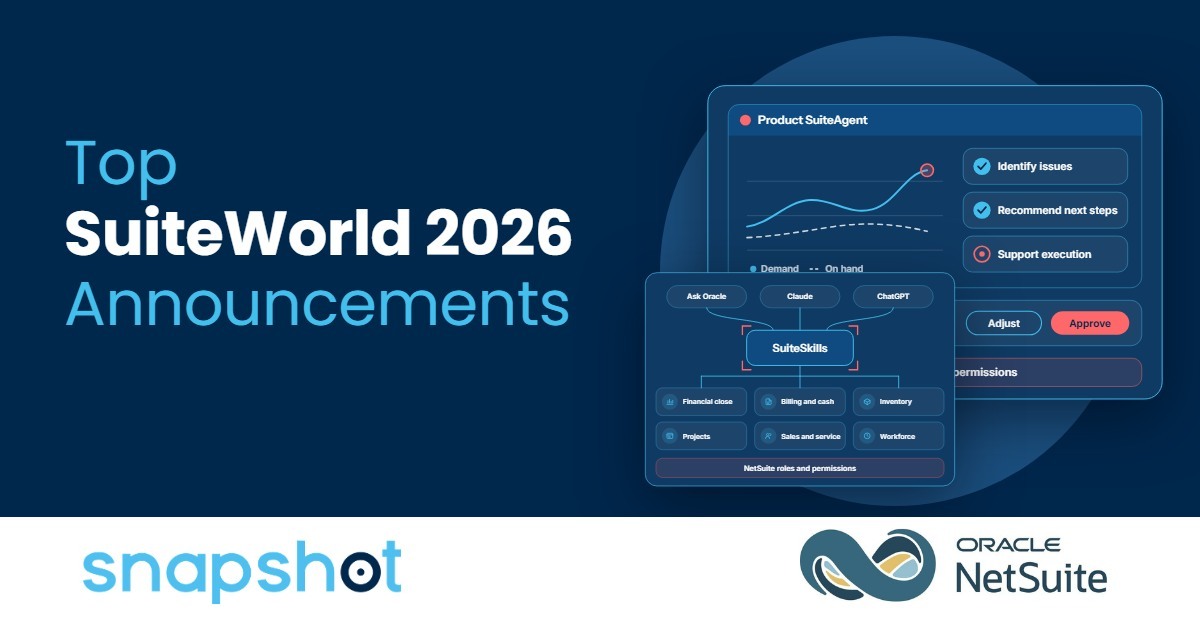
At SuiteWorld 2026, NetSuite announced SuiteSkills, more than 45 prebuilt business skills that combine NetSuite financial and operational data, process knowledge, and industry expertise with AI reasoning. Examples include Variance and Flux Analysis, Revenue Leakage, Inventory Movement Insights, and Fulfillment Performance Insights. SuiteSkills work in AI assistants connected through the AI Connector Service and in Ask Oracle within NetSuite Next. They are available to all NetSuite customers to download from GitHub and AI service marketplaces, and access and actions still follow NetSuite roles and permissions.
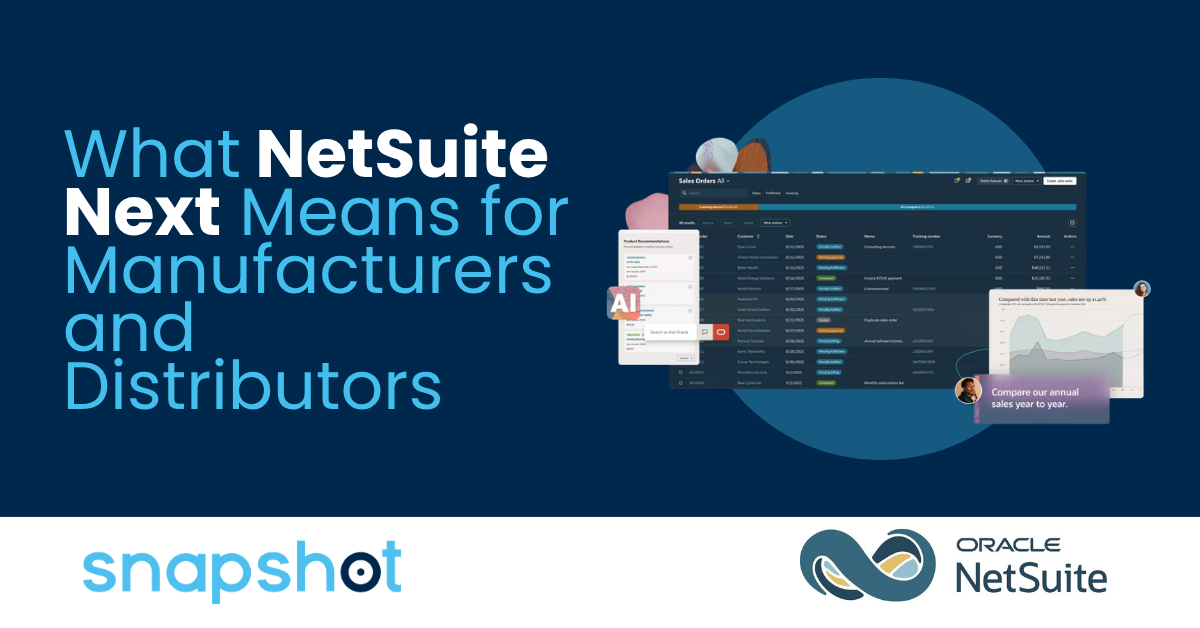
NetSuite also plans to add Ask Oracle Connectors in a future release. They give Ask Oracle, the AI assistant in NetSuite Next, MCP client capabilities, so it can compare information across supported business systems and direct permitted actions in connected applications. The AI Connector Service works in the other direction, letting the AI assistant you choose reach NetSuite. Timing and features are subject to change.
Is the AI Connector Service a Good Fit?
The AI Connector Service is a strong fit when your team already uses or has approved an AI assistant like Claude or ChatGPT, people spend time building searches or waiting on reports to answer everyday questions, and your NetSuite roles are in good shape or ready for cleanup.
It may be too early if you don't yet have an approved AI assistant or AI use policy, or if your roles give broad access that can't be tightened before you connect. If you want AI to run processes on its own, NetSuite's built-in AI capabilities may suit that better.
Setting up the AI Connector Service is also a practical first step on an AI roadmap. Deciding which roles get access and which data is in scope starts the AI readiness and data governance conversations most organizations need to have anyway. Our NetSuite AI readiness page covers that work in more detail.
What Do You Need to Get Started?
- An approved AI assistant: Claude (Pro plan or higher), ChatGPT, or another client that supports remote MCP servers and OAuth 2.0 sign-in.
- NetSuite features turned on: Server SuiteScript and OAuth 2.0, plus REST Web Services for the standard tools.
- The right tools: NetSuite's free MCP Standard Tools SuiteApp, custom tools, or both.
- A non-administrator role: With the MCP Server Connection and OAuth 2.0 access token permissions.
The AI Connector Service isn't a paid NetSuite feature, and the MCP Standard Tools SuiteApp is free. Your AI assistant may need its own paid subscription.
How Snapshot Helps
Snapshot has been helping businesses since 2001 and has been a NetSuite Alliance Partner for more than 12 years. We set up the AI Connector Service in clear phases, so your team can start asking useful questions without opening up more access than it needs:
- Readiness review: We check your features, roles, data, and AI policy, and agree on the first questions worth answering.
- Setup and roles: We turn on the features NetSuite needs, install the MCP Standard Tools SuiteApp, set up AI-ready roles, and connect your assistant.
- Pilot with one team: One team uses it on real questions, and we fine-tune roles and prompts based on what they ask.
- Rollout and training: We bring in more teams and show them which questions work well and how to check results.
Learn more about our NetSuite AI Connector Service setup and consulting, or share the questions your team asks most and we'll tell you honestly whether the AI Connector Service is the right fit.

 Stephanie Baytoff

 Sam Hettinger : Nov 3, 2026, 3:35:48 PM
 Michael Rueda