A NetSuite Next readiness checklist is the structured set of technical, data, and configuration tasks admins should complete before activating Oracle's most significant platform overhaul since NetSuite's founding. NetSuite Next combines a redesigned experience built on Oracle's Redwood Design System with Ask Oracle, canvases for ad hoc analysis, and additional AI-powered capabilities. The rollout began with NetSuite 2026.2 for customers in the United States and Canada, and has since begun in the United Kingdom, Australia, and New Zealand.
The North America rollout began with the 2026.2 release, and admins can activate NetSuite Next by role directly from their account. The businesses that will benefit most are the ones whose systems are already in good shape when they make the switch. Messy data, outdated workflows, and legacy customizations do not block the upgrade, but they do limit what NetSuite Next can deliver. Snapshot works with NetSuite customers to assess and close those gaps, and this checklist is designed to give admins a structured starting point.
For more on what is included in the rollout, Oracle's official NetSuite Next announcement covers activation options, preview access, and what is changing in the 2026.2 release.
What Does NetSuite Next Change for Admins?
NetSuite Next does not require reimplementation or data migration. Existing data, configurations, and customizations remain in place, and the transition is designed to be gradual. The difference shows up in how users interact with the system and what the platform can do with the data inside it.
Three changes that are especially relevant to administrators are :
-
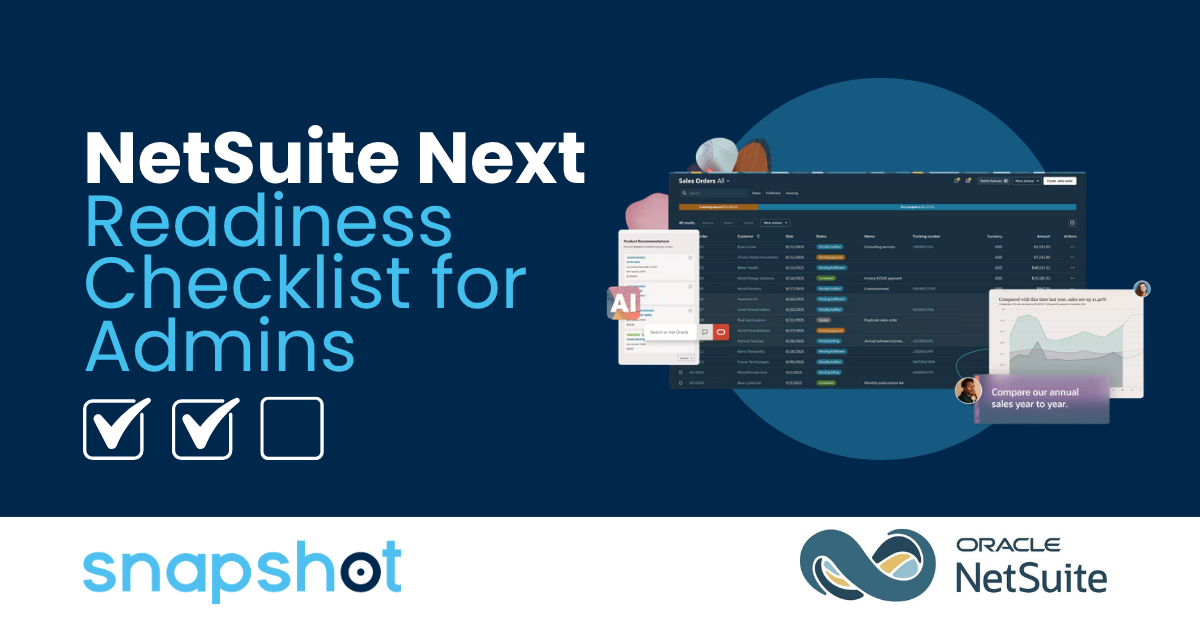
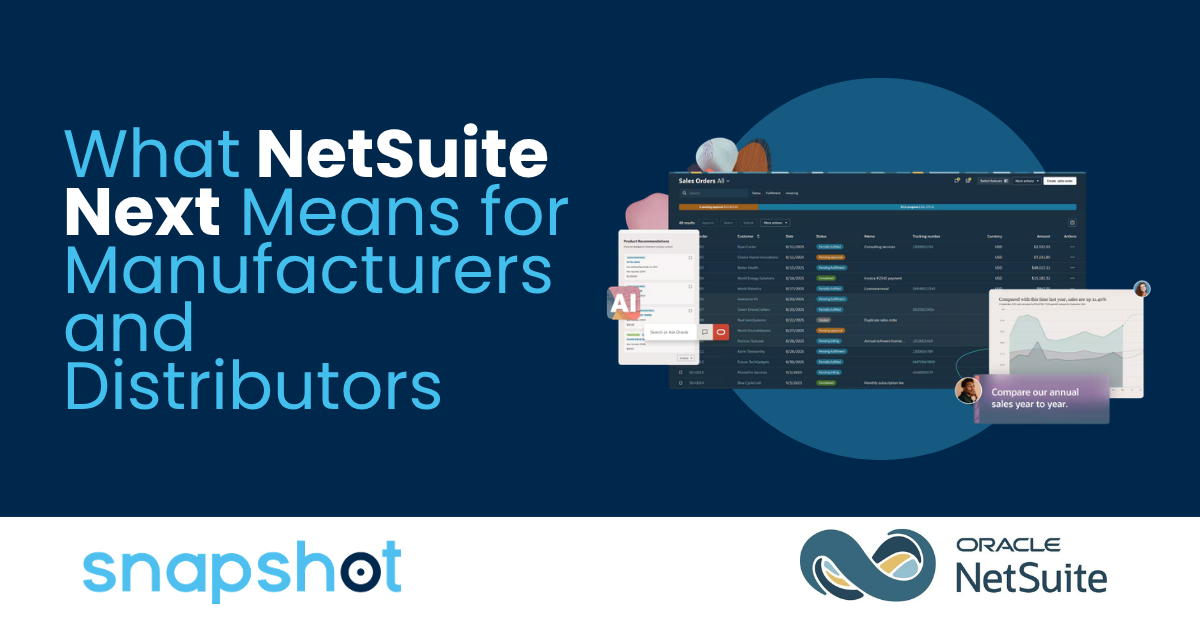
Redesigned NetSuite Next experience: NetSuite Next introduces redesigned navigation, records, lists, reports, and other interface elements built using Oracle's Redwood Design System. After an account is updated to 2026.2, administrators can activate NetSuite Next and grant access by role.
-
Ask Oracle: A conversational AI assistant that allows users to search, navigate, analyze NetSuite data, generate reports, and take supported actions using natural language. Ask Oracle operates within each user's existing roles and permissions.
-
Canvas: A dedicated workspace where users can organize summaries, KPI scorecards, charts, graphs, tables, and narrative text while building ad hoc dashboards, visualizations, and analyses.
The core message for admins is straightforward: clean data and solid configuration unlock these capabilities. Systems carrying years of accumulated debt, including unused scripts, inconsistent field values, and drifted roles, can see degraded performance across all NetSuite Next features.
System and Configuration Readiness
Technical readiness work is the most time-intensive part of preparation and the highest-risk area if left until after the upgrade. These three categories cover the configuration layer of your NetSuite environment.
Customizations and Scripts
Oracle says existing customizations and workflows carry forward when a customer activates NetSuite Next, so supported SuiteScript customizations do not require migration solely because of the switch. Organizations should still regression-test business-critical scripts, Suitelets, portlets, SuiteApps, and interface customizations. Pay particular attention to custom CSS or code that directly accesses or manipulates the NetSuite page DOM because Oracle does not support direct access to the NetSuite UI through the DOM.
Separately, some administrators may see 2026.2 account notifications concerning Oracle's future transition from older SuiteScript versions to SuiteScript 2.1. NetSuite's SuiteScript 2.1 transition guide says SuiteScript 1.0, SuiteScript 2.0, and scripts annotated with @NApiVersion 2.0 or 2.x will no longer run in NetSuite 2028.2, in phases beginning with NetSuite 2027.1. Inventory affected scripts and begin migration planning, but treat this as a separate platform roadmap item rather than a prerequisite for activating NetSuite Next.
- Inventory SuiteScripts and document the version used by each. If account notifications identify scripts affected by Oracle’s future transition to SuiteScript 2.1, prioritize those scripts for migration planning.
- Test custom client scripts, custom CSS, custom portlets, and other interface customizations in a dedicated NetSuite Next preview account before activating NetSuite Next for production roles.
- Review third-party SuiteApps and confirm vendor support for NetSuite 2026.2 and NetSuite Next.
- Identify and retire unused or redundant scripts that have accumulated over time. This is a good opportunity to reduce script debt that will otherwise carry forward.
Roles and Permissions
Ask Oracle follows existing roles and permissions, which means it returns results scoped to what each user can see in the system. Roles that have drifted beyond their intended access can cause Ask Oracle to return a broader or narrower scope of information than intended. Review permissions and role assignments before expanding access.
- Review and rationalize all active user roles. Remove access that has expanded beyond current job functions.
- Confirm role assignments reflect actual responsibilities across the organization, particularly for users who have changed positions since go-live.
- Identify which roles will interact with Ask Oracle and confirm permissions are configured to return the right scope of data for each.
- Decide which roles should use SuiteSkills, AI Workspaces, and industry SuiteAgents, which NetSuite added to NetSuite Next at SuiteWorld 2026. Their access and actions follow NetSuite roles and permissions, so confirm each role allows only what AI and agents should see and do for that job.
Module Utilization
NetSuite Next capabilities including Ask Oracle draw from the modules and data available in your account. Review the modules and data sources relevant to your priority NetSuite Next use cases. Unconfigured modules are not a barrier to activating NetSuite Next, and idle modules should only be enabled when there is a valid business requirement.
- Review all licensed modules and identify which are unconfigured or underutilized.
- Map priority NetSuite Next use cases to the modules and data sources already configured in the account.
- Configure an idle licensed module only when a defined business requirement calls for it. Activating idle modules is not required before enabling NetSuite Next.
Data and Process Readiness
NetSuite Next's AI capabilities are only as reliable as the data they draw from. This section covers the data and workflow readiness work that directly affects what Ask Oracle and agentic workflows can deliver.
Data Quality
Ask Oracle returns answers based on what is in your NetSuite account. Duplicate records, inconsistent field values, and incomplete master data produce unreliable output regardless of how well the AI is built. Data quality work done before enabling NetSuite Next is a direct investment in the reliability of every AI-powered feature.
- Audit and cleanse master data across customers, vendors, items, and transactions. Prioritize the records most frequently referenced in day-to-day operations.
- Standardize field values, resolve duplicate records, and enforce required field completion across key record types.
- Review business-critical saved searches, reports, KPIs, and data definitions that users rely on. Test representative Ask Oracle questions by role and review the supporting data and explanations provided with each response.
Workflows and Processes
SuiteFlow workflows and approval chains should be tested first in Release Preview for compatibility with NetSuite 2026.2 and then in the dedicated NetSuite Next preview account before NetSuite Next is activated for production roles. Core financial and operational workflows should receive the highest testing priority.
- Map and document core workflows for regression testing. Order-to-cash, procure-to-pay, and month-end close are the highest priority.
- Test business-critical SuiteFlow workflows in Release Preview and the dedicated NetSuite Next preview account, and confirm that approval chains behave as expected.
- Identify manual workarounds that exist because the system was not configured to handle them.
Integrations
Integrations connect your NetSuite account to external systems, and any instability in those connections will carry through to NetSuite Next. Integration errors that exist before the upgrade will not be resolved by the upgrade.
- Audit all active integrations and confirm connector compatibility with NetSuite Next.
- Review integration logs for recurring errors and resolve them before the upgrade date.
- Confirm integration partners, such as Celigo and Patchworks, and connector providers are aware of your upgrade timeline and have no known compatibility issues with 2026.2.
Upgrade Planning and Execution
With the technical and data readiness work underway, the final category covers the planning and change management work that determines how smoothly the transition goes for the broader organization.
Release Preview and NetSuite Next Preview
Use Release Preview and the NetSuite Next preview account for different purposes. Before the production account is upgraded to 2026.2, use Release Preview to test existing business processes, customizations, and integrations against the new NetSuite release. After the account is updated to 2026.2, administrators can request a dedicated NetSuite Next preview account containing a copy of their data, roles, workflows, and customizations before activating NetSuite Next in production.
- Request 2026.2 Release Preview through Setup > Company > Release Preview and test mission-critical processes before the production version upgrade.
- After the account is updated to 2026.2, use the NetSuite Next banner to request a dedicated preview account or activate NetSuite Next by role.
- Confirm the version upgrade date in the New Release portlet. If the timing needs to change, use Customer-Scheduled Maintenance to review available dates and reschedule the upgrade.
User Training and Change Management
The Redwood UI is a meaningful visual change for everyday users, and Ask Oracle introduces a new way of interacting with the system that most users will not adopt without some guidance. Leaving user training to after the upgrade creates adoption risk that is avoidable.
- Identify power users in each department who can be trained before the rollout and serve as internal resources for their teams.
- Plan training sessions around the NetSuite Next interface changes before expanding access, using the dedicated NetSuite Next preview account for hands-on practice.
- Prepare documentation on Ask Oracle for end users covering what it can do, how to phrase queries, and what to do when a response needs review.
NetSuite Next Is an Opportunity, Not Just an Upgrade
Admins who approach NetSuite Next as a system health opportunity rather than a compliance exercise will get significantly more out of it. The preparation work required for a smooth transition, including cleaning up data, rationalizing roles, retiring unused scripts, and fixing long-standing integration errors, will improve how the system performs today, not just after the upgrade.
With 12-plus years as a NetSuite Alliance Partner, Snapshot helps NetSuite customers assess where their system stands and close the gaps that limit what the platform can deliver. If you are working through your NetSuite Next readiness checklist and want a clear, expert read on where your environment stands and what needs attention first, book a free NetSuite AI Discovery Session with a Snapshot specialist. We can help you work through what NetSuite Next preparation looks like for your specific environment.

-1.png) Sam Hettinger
Sam Hettinger
-1.png?width=30&name=Untitled%20design%20(6)-1.png) Sam Hettinger : Oct 7, 2026, 6:43:34 PM
Sam Hettinger : Oct 7, 2026, 6:43:34 PM
 Steve Springer