NetSuite Next is the next generation of NetSuite, the same platform and unified data model with new features including Ask Oracle, embedded AI capabilities, agents, and a redesigned experience. Recent additions include SuiteSkills, AI Workspaces, AI Portlets, and industry SuiteAgents, and NetSuite Next and Ask Oracle have begun rolling out in the UK, Australia, and New Zealand. Read on for what's new in NetSuite Next, what it costs, how to try it, and what it changes for finance, operations, and IT teams, updated as NetSuite releases new capabilities.
Snapshot has worked as a NetSuite Alliance Partner for more than 12 years helping manufacturers, distributors, consumer goods companies, and other operationally complex businesses prepare, configure, and extend NetSuite, including NetSuite Next.
Recent NetSuite Next Updates
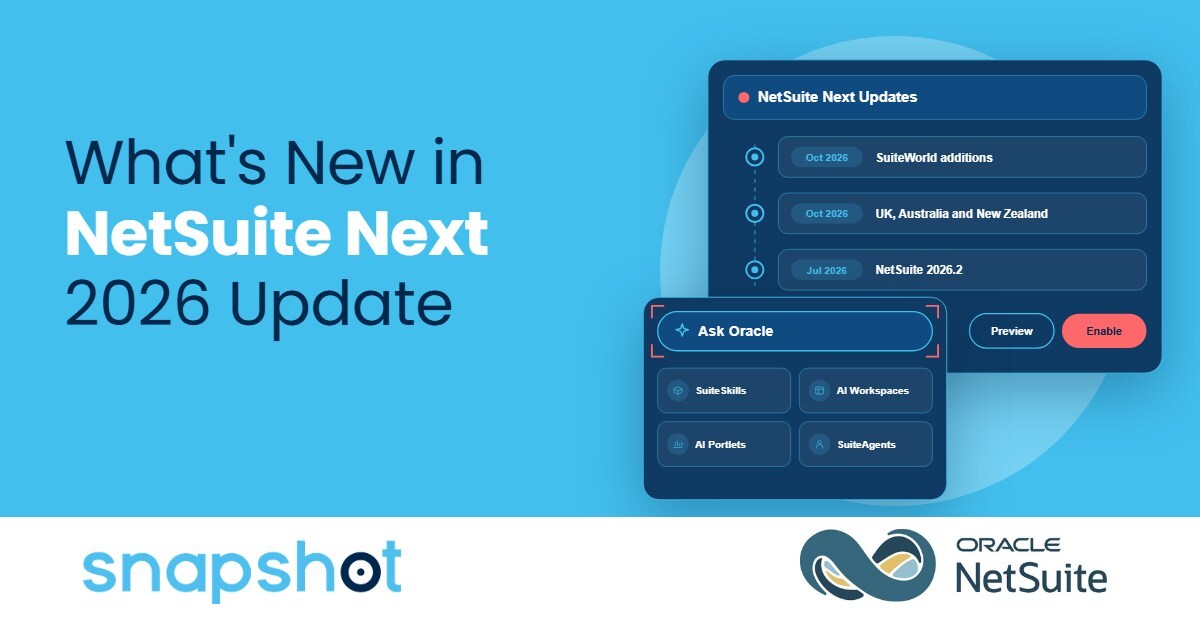
Three developments shaped NetSuite Next this year: SuiteWorld additions, an expanded international rollout, and the 2026.2 launch in the US and Canada.
SuiteWorld Additions (October 2026)
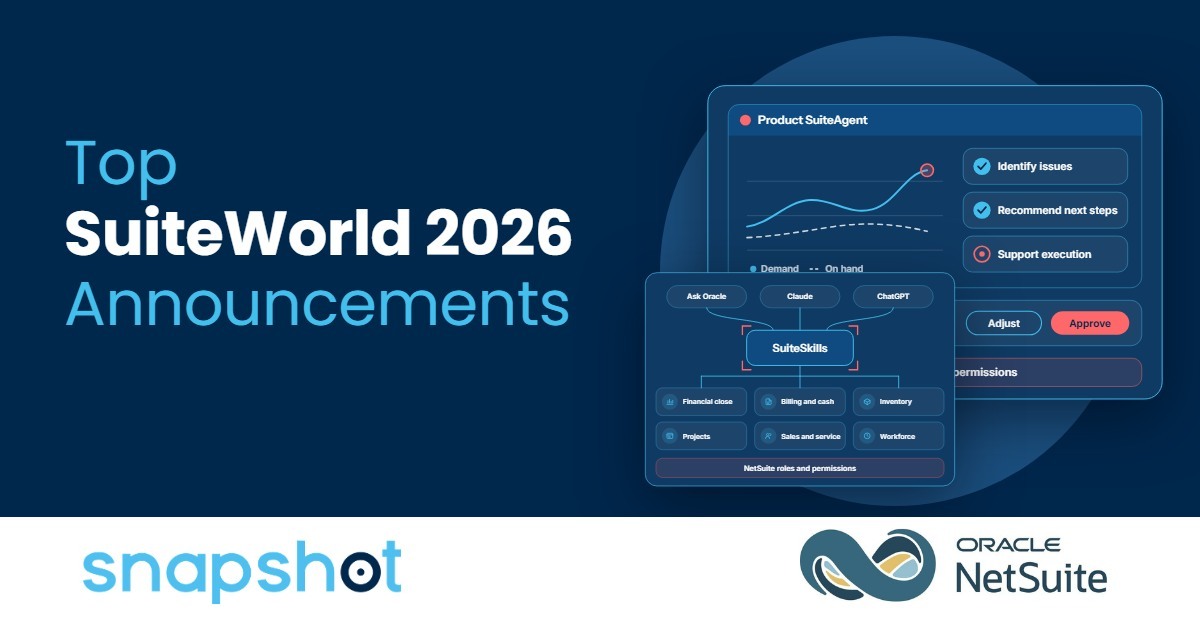
SuiteWorld 2026 announcements included SuiteSkills, AI Portlets, AI Workspaces, and the software, product, and construction SuiteAgents, all available now in markets where NetSuite Next is available. SuiteSkills are also available to every NetSuite customer through GitHub and AI service marketplaces. Our SuiteWorld 2026 announcements post covers each announcement and its status.
UK, Australia, and New Zealand Rollout (October 2026)
NetSuite Next and Ask Oracle have begun rolling out in the UK, Australia, and New Zealand following their initial availability in the US and Canada. NetSuite is making NetSuite Next available to customers in phases, so features may not yet be available in every account.
NetSuite 2026.2 (July 2026)
NetSuite 2026.2 kickstarted the NetSuite Next rollout in the US and Canada and made Ask Oracle available in existing NetSuite accounts in the United States and Canada, so teams can try the assistant before switching to NetSuite Next.
What Changes and What Stays the Same in NetSuite Next?
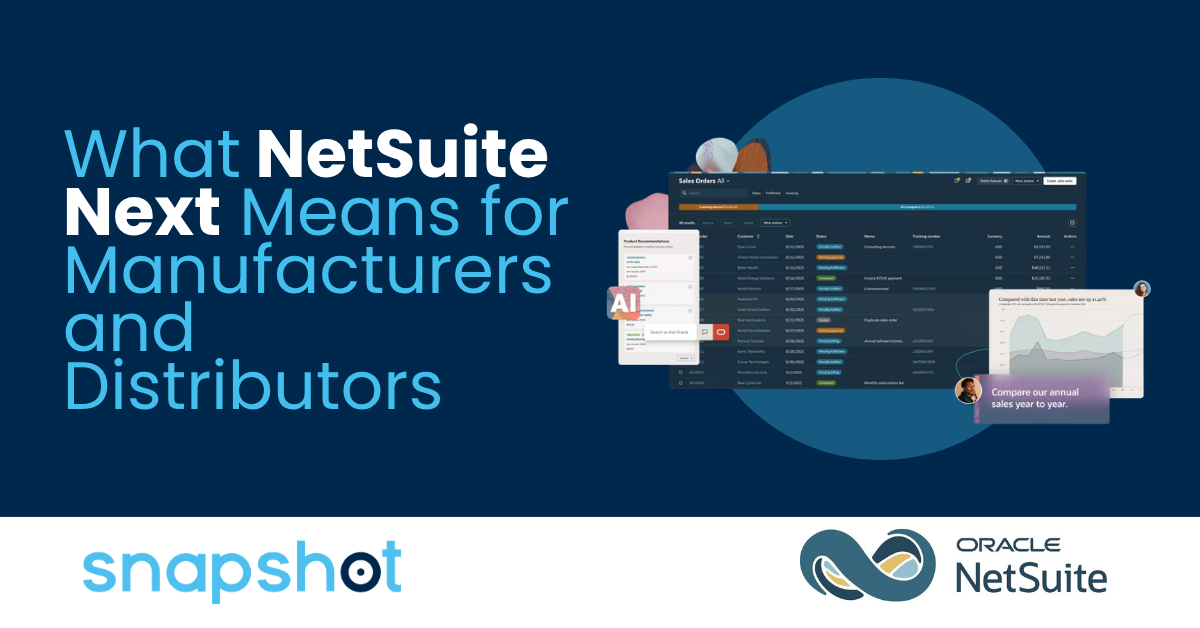
NetSuite Next differs from current NetSuite as an evolution of the same platform: it adds Ask Oracle, embedded AI, agents, and a redesigned experience while your data, roles, permissions, and workflows stay in place. Our post on what NetSuite Next means for manufacturers and distributors covers the platform changes in more depth.
New AI Capabilities in NetSuite Next
Ask Oracle
Ask Oracle is NetSuite's conversational AI assistant, included with your NetSuite license, that answers questions, delivers insights, and takes actions in natural language within your roles and permissions. Every response includes a show explanation option for checking how Ask Oracle built the answer. Ask Oracle is also available in eligible existing NetSuite accounts, so teams can try it before switching to NetSuite Next, with availability following NetSuite's phased rollout by country.
AI Workspaces and AI Portlets
AI Workspaces coordinate people, AI agents, information, and approvals around a business process in one place. AI Portlets generate dashboard analysis, charts, and available actions from a natural language request. For example, a finance leader can build a portlet that compares actual sales with a marketing proposal's projections. Both are available now in NetSuite Next.
SuiteSkills
SuiteSkills are prebuilt business skills, available to every NetSuite customer through GitHub and AI service marketplaces and inside Ask Oracle in NetSuite Next. Operations teams can use the Inventory Movement Insights and Fulfillment Performance Insights skills to understand the causes of inventory and fulfillment exceptions.
Industry SuiteAgents
Product, software, and construction SuiteAgents are available now in NetSuite Next. NetSuite's product SuiteAgent evaluates inventory exposure and supply changes and provides guidance on their potential impact on inventory efficiency, supply performance, and margin. NetSuite plans additional SuiteAgents, so start with a pilot of one agent and one team before widening access.
Planned for a Future Release
NetSuite plans SuiteAgent Studio, SuiteFlow Agent, the SuiteAgent Management Workspace, Ask Oracle Connectors, the NetSuite Data Intelligence Agent, the Deep Insights Agent, and agents for services, healthcare, and nonprofit organizations for a future release, and timing may change. Our SuiteWorld 2026 announcements post explains each one.
What NetSuite Next Costs
NetSuite Next is not a separate product. It runs on the same NetSuite platform, and existing customers can switch without data migration or reimplementation. NetSuite pricing is based on an annual subscription for your core industry platform, optional modules, and number of users, and new customers also pay a one-time implementation fee. Confirm how NetSuite Next and its AI features apply to your contract with your NetSuite account manager.
Ask Oracle is included with your NetSuite license and consumes NetSuite AI Units, which NetSuite includes at no additional cost with eligible user licenses. NetSuite's documentation estimates about 10 AI Units for a simple question, 10 to 50 for an analysis question, and 50 to 200 for a research question. Administrators can monitor usage through the Billing Information page under Setup > Company > View Billing Information, and organizations can purchase additional AI Units as adoption grows. AI services connected through the NetSuite AI Connector Service do not consume AI Units.
How to Try NetSuite Next
Administrators of eligible accounts see a banner with three options: request a NetSuite Next Preview Account, enable Ask Oracle, or enable NetSuite Next in production. A preview account is a copy of your production account in a separate environment, with a snapshot of your data, workflows, and customizations, and it lasts 30 days. Administrators can request a new one at any time through the same banner.
NetSuite grants NetSuite Next access per role, so teams can phase access one role at a time, and eligible sandbox accounts receive NetSuite Next at the same time as production. A NetSuite Next Preview Account differs from Release Preview, which tests an upcoming NetSuite release against your existing processes before your account upgrades. Our NetSuite Next readiness checklist covers what to test in each.
What NetSuite Next Changes by Role
Finance
Finance teams can use Ask Oracle to ask analysis questions in natural language and check each answer with the show explanation option, which reveals how the response was generated. Ask Oracle cites its data sources and works within each user's roles and permissions.
Operations and Purchasing
Operations and purchasing teams can use inventory and fulfillment SuiteSkills with Ask Oracle or a connected AI service, and NetSuite's Product SuiteAgent, available in NetSuite Next, to evaluate inventory exposure and supply changes. SuiteSkills follow NetSuite's roles and permissions, and SuiteAgents are designed to operate within NetSuite's established governance models.
Admins and IT
Administrators control NetSuite Next access per role, review roles and permissions before enabling AI, monitor NetSuite AI Unit usage, and test scripts in the preview account because some client scripts, form customizations, and portlet scripts that alter HTML or page structure may need review.
Putting NetSuite Next to Work
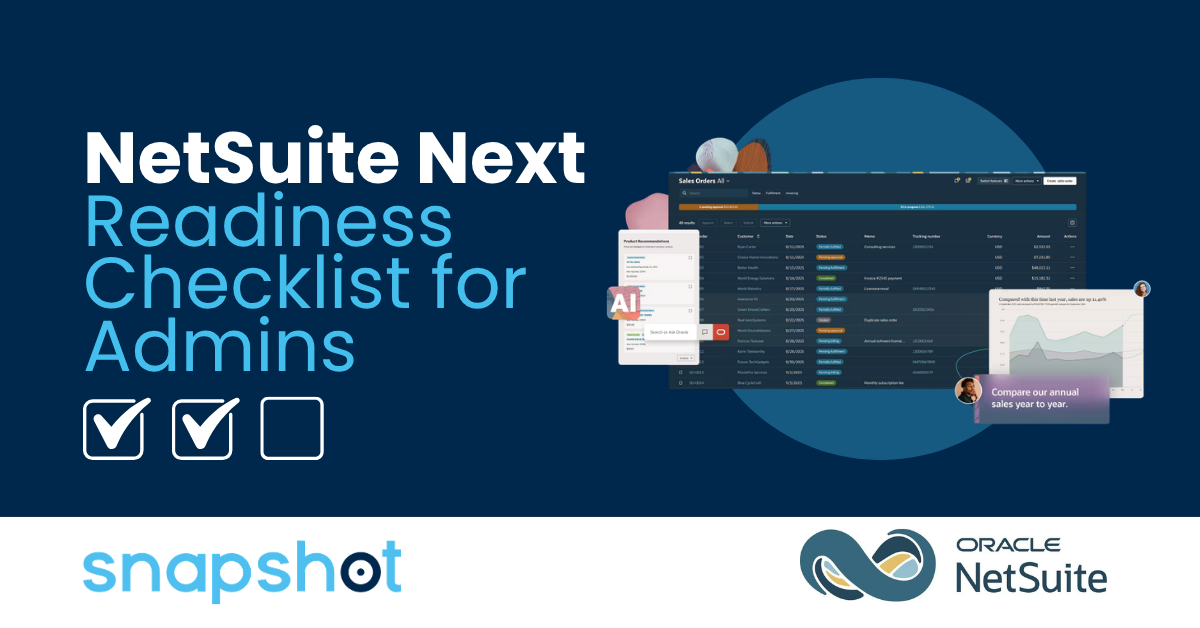
Your team can prepare for NetSuite Next in four steps:
- Review roles and permissions before enabling AI
- Check data quality, since AI answers come from the data in your account
- Test scripts, forms, and portlets in a preview account
- Choose which AI features to turn on first (and for which roles)
With more than 12 years as a NetSuite Alliance Partner, Snapshot helps manufacturers, distributors, consumer goods companies, and other operationally complex businesses prepare for NetSuite Next, from roles and script review to AI Connector Service setup. Start with a free NetSuite AI Discovery Session to map which capabilities fit your operations.

 Tina Ricci
 Sam Hettinger : Oct 7, 2026, 6:43:34 PM